Free · no trial · no subscription
Defeat Monkey Brain.
Earn your screen time through exercise and brain games. The whole app is free — there’s no timer, and nothing expires.
No ads
No account
iPhone iOS 17+
Earn your screen time through exercise and brain games. The whole app is free — there’s no timer, and nothing expires.
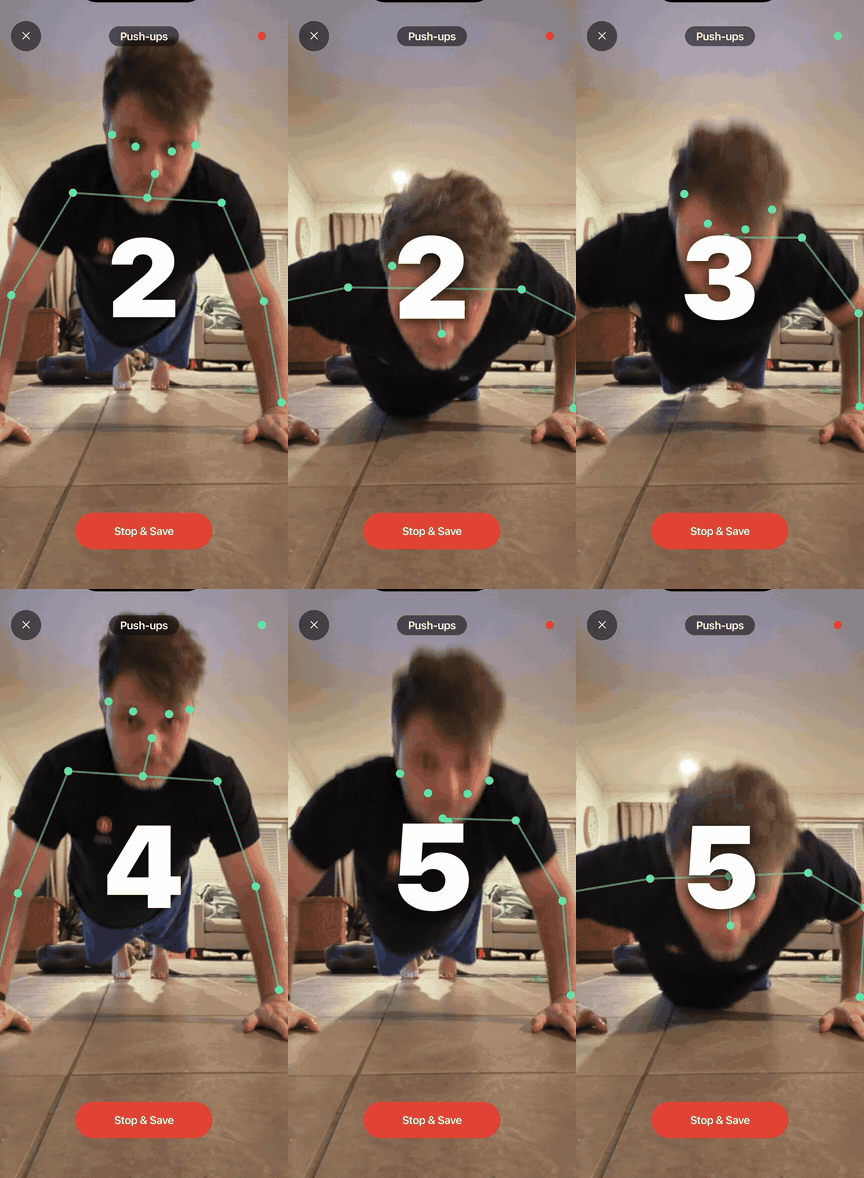
Open a blocked app and your balance drains in real time. Hit zero and the apps lock. To open them again you move — and the camera reads your skeleton 30 times a second, on device. Bad form doesn't count; only clean reps earn minutes.
Frames are processed and discarded as they come in. Nothing uploads, nothing stores, nothing trains. No account, no analytics, no servers.
Reaction, memory, logic, pattern recognition. Each tile tests a different cognitive skill, and performance translates directly to minutes earned.
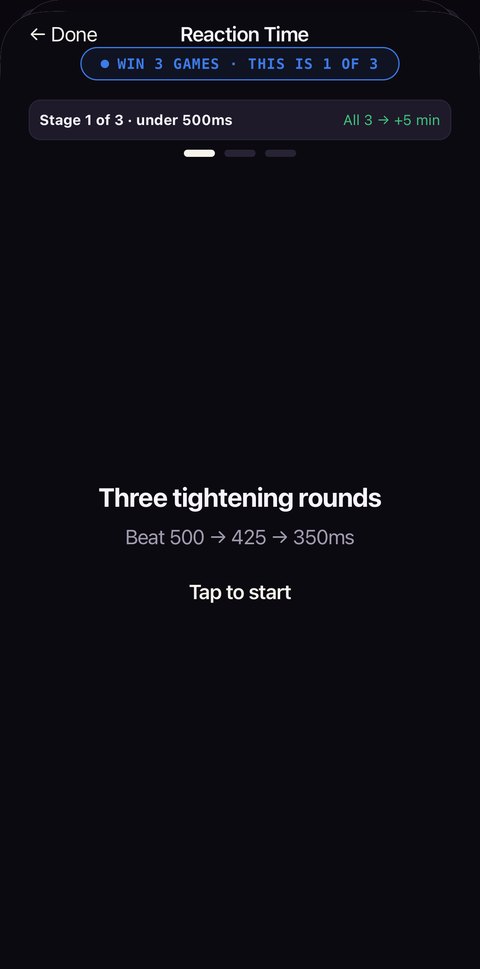
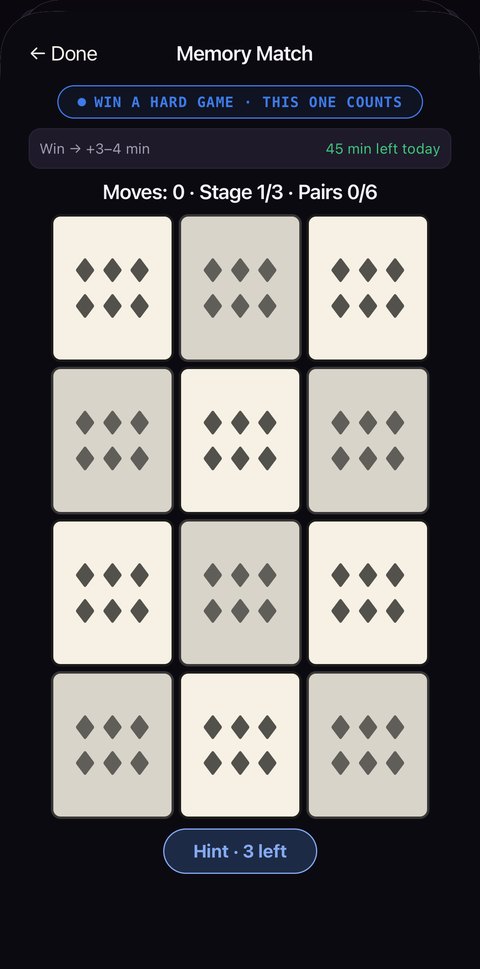
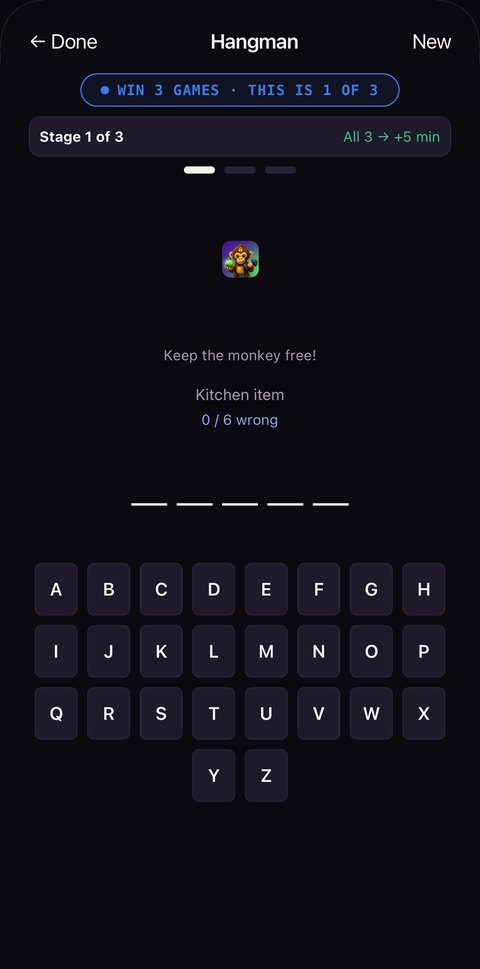
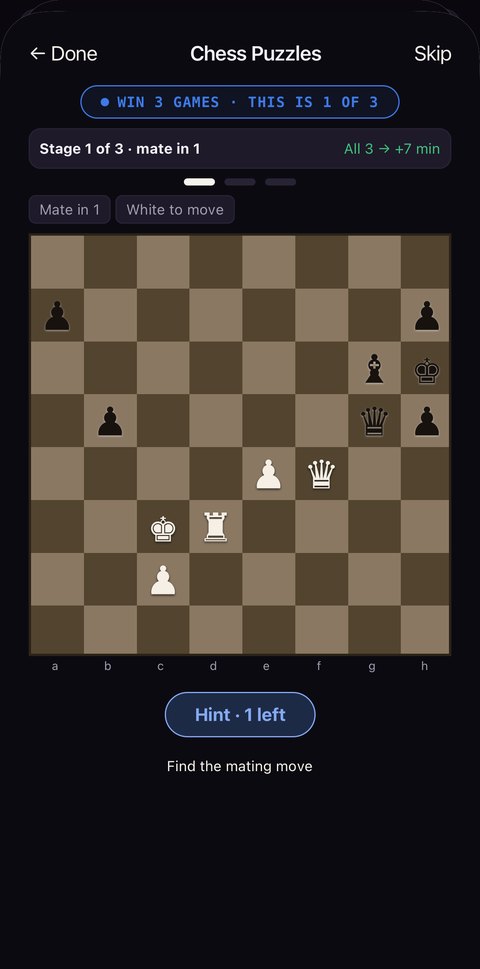
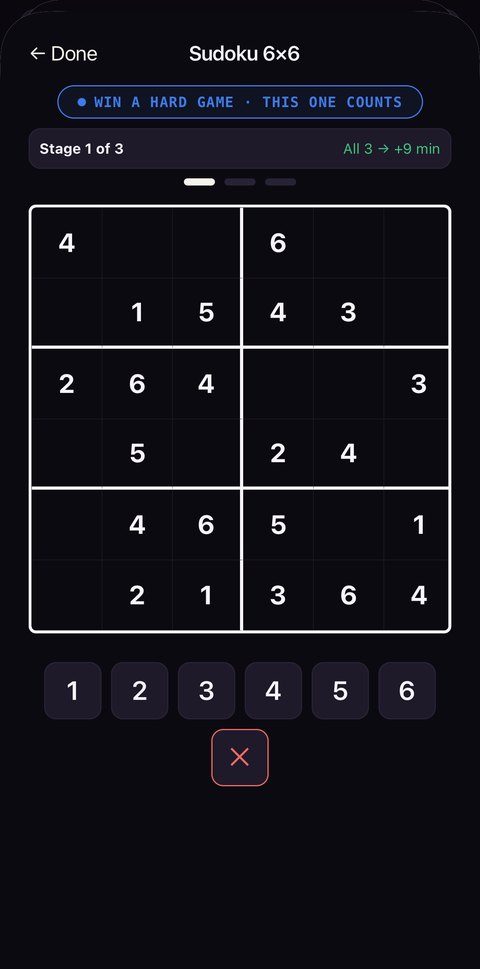
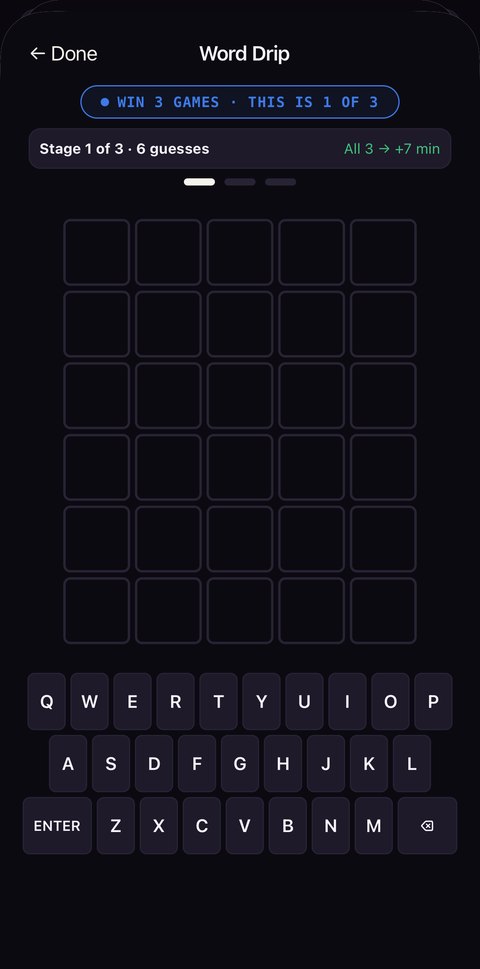
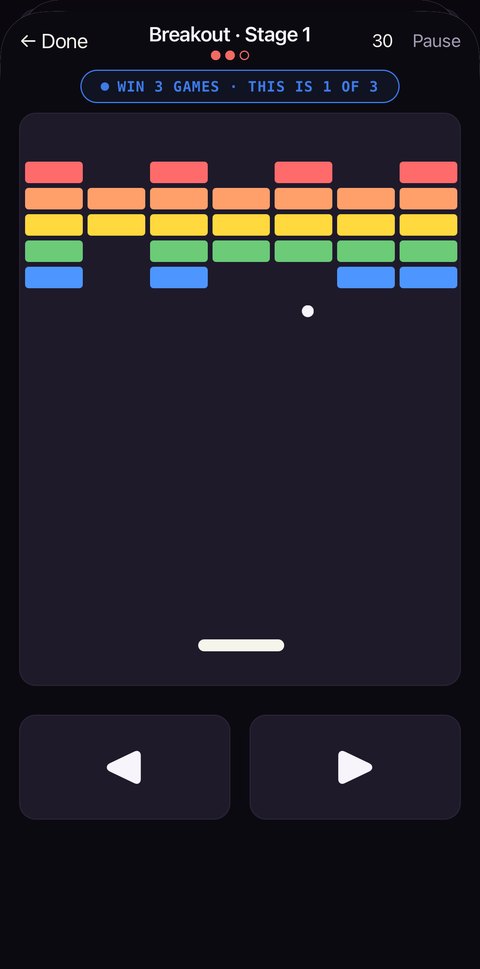
7 games · three stages each · 5–9 min for a full run · 45 min daily cap
Snap a fresh Live Photo outside — a bird, a blossom, the water. MonkeyLock confirms it's a real, just-taken moment with genuine motion, checked privately on your phone, and matches the subject to the season for a bonus. Recycled snaps and stock don't pass.
The wall, the earning, the streak — all of it. No trial timer, no account, nothing that expires.
MonkeyLock is free to use. No ads, no account, no data leaves your phone.