MonkeyLock
Free · no trial · no subscription

Defeat Monkey Brain.

Earn your screen time through exercise and brain games. The whole app is free — there’s no timer, and nothing expires.

No ads No account iPhone iOS 17+
How it works

Your body opens
the wall.

Open a blocked app and your balance drains in real time. Hit zero and the apps lock. To open them again you move — and the camera reads your skeleton 30 times a second, on device. Bad form doesn't count; only clean reps earn minutes.

Frames are processed and discarded as they come in. Nothing uploads, nothing stores, nothing trains. No account, no analytics, no servers.
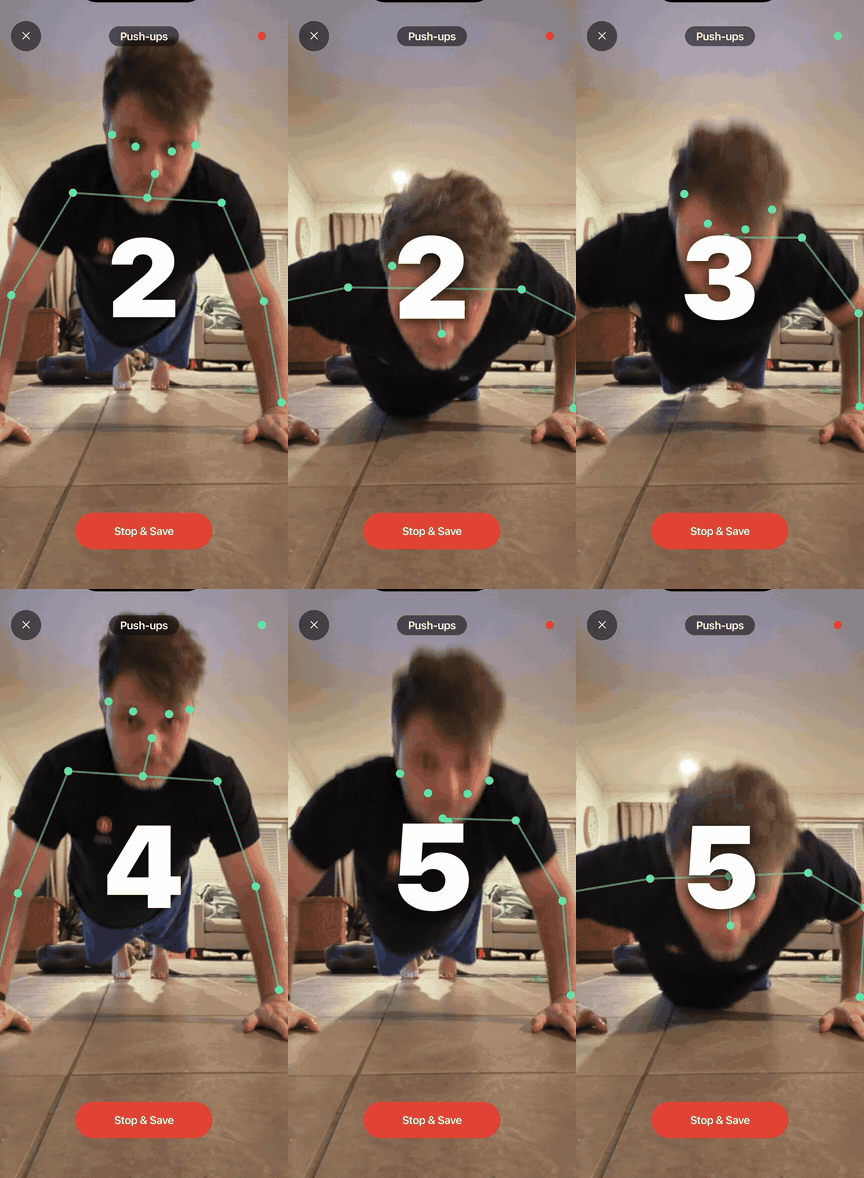
Live camera-tracked push-up rep counting with skeleton overlay
Brain workout

Outwit Monkey Brain.

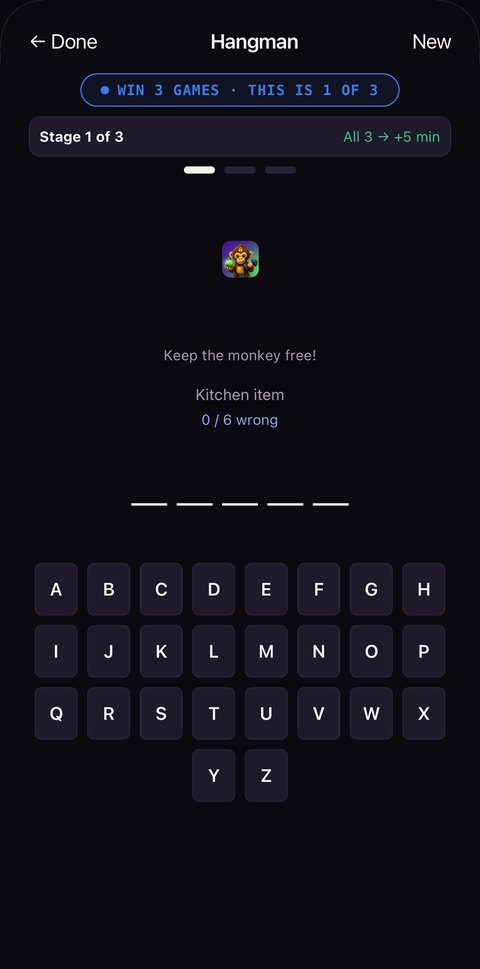
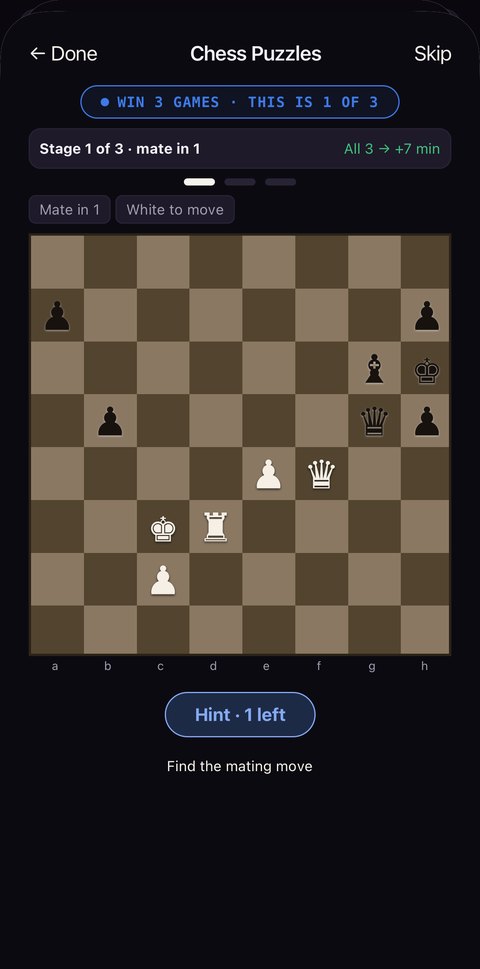
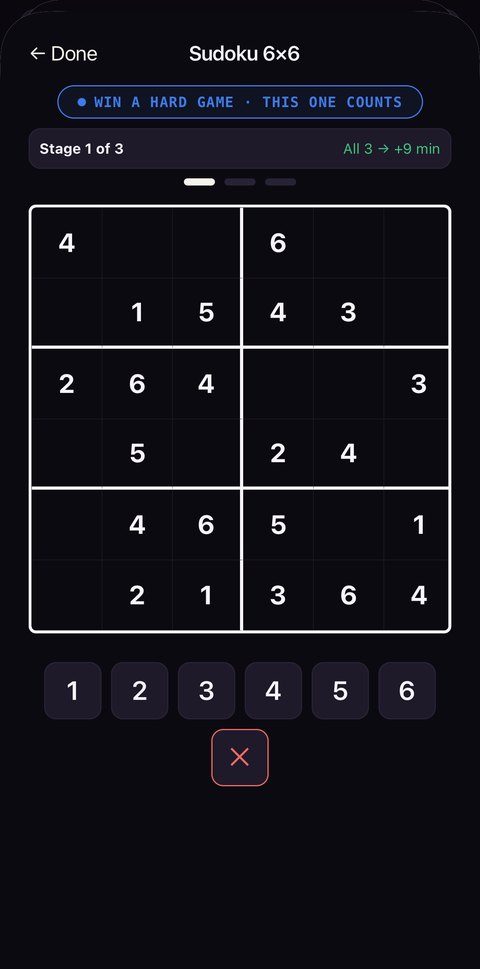
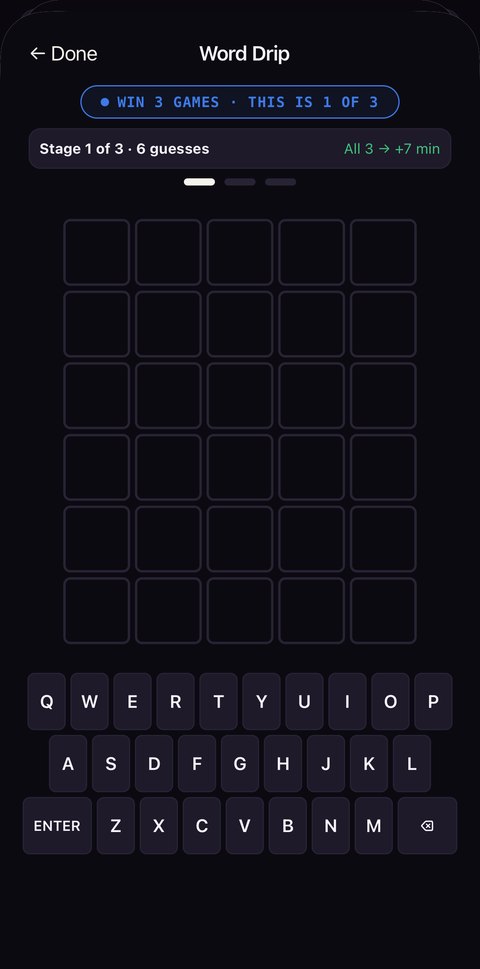
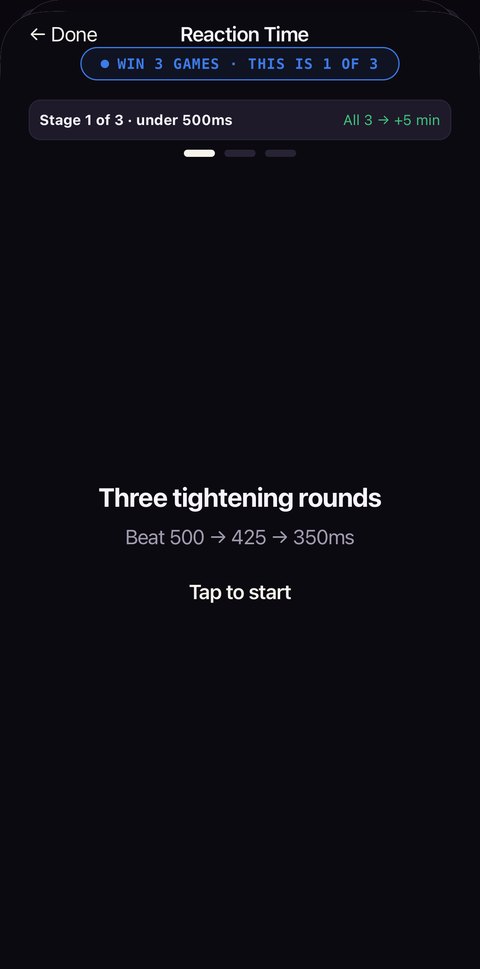
Reaction, memory, logic, pattern recognition. Each tile tests a different cognitive skill, and performance translates directly to minutes earned.
9:41
Reaction Time in MonkeyLock
9:41
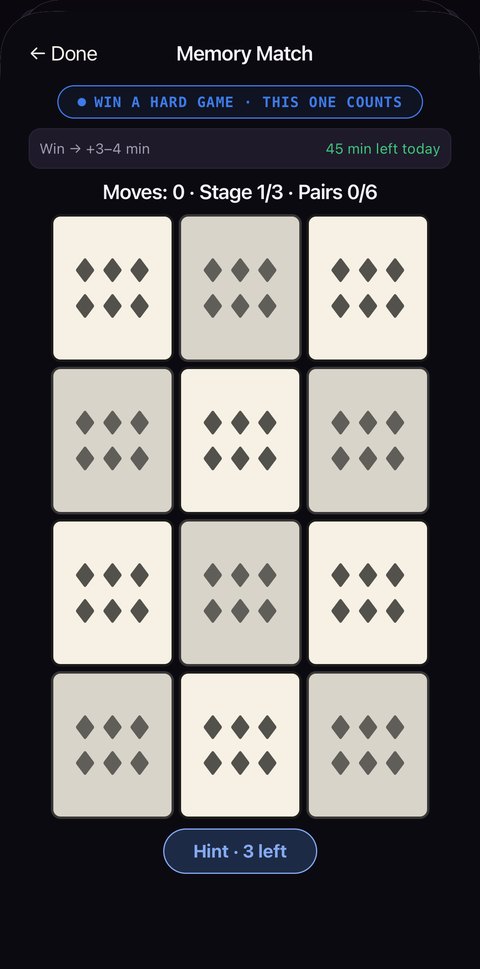
Memory Match in MonkeyLock
9:41
Hangman in MonkeyLock
9:41
Chess Puzzles in MonkeyLock
9:41
Sudoku in MonkeyLock
9:41
Word Drip in MonkeyLock
9:41
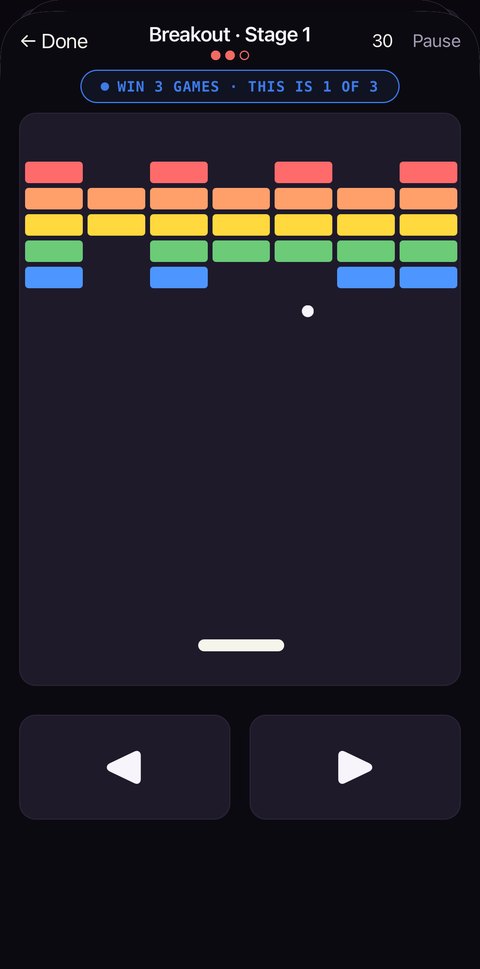
Breakout in MonkeyLock

7 games · three stages each · 5–9 min for a full run · 45 min daily cap

Get outside

Real photos.
Real proof.

Snap a fresh Live Photo outside — a bird, a blossom, the water. MonkeyLock confirms it's a real, just-taken moment with genuine motion, checked privately on your phone, and matches the subject to the season for a bonus. Recycled snaps and stock don't pass.

Spring · birds, blossoms Summer · water, beach Fall · foliage, harvest Winter · snow, evergreens
Spring bird
LIVE
VERIFIED
Spring · Bird
+4m
Cherry blossom
LIVE
VERIFIED
Spring · Blossom
+6m
Summer beach
LIVE
VERIFIED
Summer · Beach
+6m
Pricing

It’s free.

The wall, the earning, the streak — all of it. No trial timer, no account, nothing that expires.

Download on the App Store

MonkeyLock is free to use. No ads, no account, no data leaves your phone.

FAQ

The honest answers.

Will it actually block my apps? +
Yes. MonkeyLock uses Apple's Screen Time API — the same enforcement Apple uses for parental controls. Selected apps are locked when your daily balance hits zero and unlocked as you earn more. There's no in-app override or workaround.
How much screen time do I start with each day? +
In default mode, each day starts with a portion of your chosen daily goal — personalized from your onboarding answers, then you earn the rest through exercise, brain games, steps, or photos. In No Bananas mode (opt-in for the hardcore), you start at 0 and earn every minute, but at 1.5× the normal rate.
What happens when my balance hits zero? +
Selected apps shield immediately. Tapping a blocked app shows the MonkeyLock shield with a button to earn more. No grace period, no "just one more minute." Earn through exercise, a brain game, steps, or an outdoor photo to unlock.
Does the camera record me? +
No. Sweat Drip Verification runs entirely on-device. Frames are processed and discarded as they come in — nothing is recorded, nothing is uploaded, nothing trains a model.
What if I'm injured or can't exercise? +
Brain games, Apple Health steps, and outdoor photos all cover non-exercise paths. Brain games are capped at 45 minutes a day so they stay a supplement rather than a way around the wall, and steps + photos add more on top — no exercise required.
It's free? What's the catch? +
There isn't one! No ads, no account, no data collection — nothing leaves your phone.
Can I just get around the block? +
Adding an app to the wall takes effect instantly; taking one off waits until the next morning — so the wall doesn't move at the exact moment you most want it to. And when you genuinely need in, Break Glass gives you five minutes for a ten-second hold, three times a day, with nothing owed tomorrow. A blocker that only ever says no is a blocker people delete.
Will my data sync across devices? +
Yes. Profile data syncs to iCloud — workouts, brain games, habits, streaks, and settings. New device, same Apple ID, your progress restores. Never to our servers.
Can a kid or teen use this? +
MonkeyLock is rated 4+ but designed for self-directed adults working on their own habits. The Screen Time API requires the device's primary Apple ID; if you're managing a child's device through Family Sharing, Apple's built-in Screen Time controls are the better tool.
Can I just delete the app to bypass the block? +
You could. But if you're reading this question, you already know that defeats the point. The lock only works if you commit to it. We trust you to be honest with yourself — that's the whole product.